Safer Travel
Five Simple Ways to Protect Your Devices, Accounts, and Data
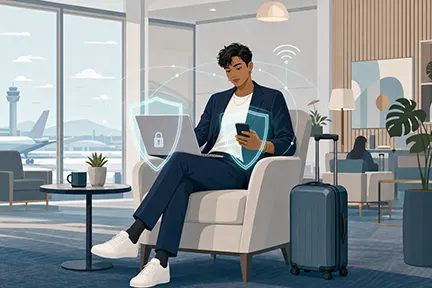
Travel creates new opportunities for convenience—and new risks for information security and privacy. Whether you are traveling for work, study, or personal reasons, these five habits can help reduce the chance of account compromise, data exposure, or device loss.
1. Use a VPN or personal hotspot—instead of untrusted or "free" Wi-Fi
Whenever possible, use your phone’s cellular connection or a personal hotspot instead of public or hotel Wi-Fi.
You can find setup instructions on either Apple's support page or Android's support page.
If you must use public Wi-Fi, connect through the HBS VPN.
You can find setup instructions for leveraging the HBS VPN on the HBS IT Services and Support page (for faculty and staff) or the Security information within the MBA Central pages (for MBA students).
2. Use trusted links
Do not sign in through links in unexpected emails, text messages, QR codes, or social media posts. Instead, use a saved bookmark, open the site through your password manager, or search for the organization’s official website and verify the domain before signing in. Review Harvard’s phishing guidance for additional tips.
3. Visit Harvard Global Support Services
For international travel, start with Harvard Global Support Services. Review destination risk ratings and country guidance, register Harvard-related travel when required, and save the available emergency support information before departure.
4. Travel light—physically and digitally
Bring only the devices and data you genuinely need. Before leaving, remove unnecessary files, apps, and accounts; disable automatic syncing for services you will not use; and avoid staying signed in to unnecessary email, cloud storage, or administrative accounts. Review Harvard’s travel security guidance especially if you are traveling outside of the US.
5. Protect against theft—and stay alert
We are all aware that it is not wise to leave your devices unattended. But it's also important to also consider that prevention is important as well. Before traveling, enable a strong passcode, device encryption, automatic locking, backups, and turn on Find My or Find My Device. If a device is lost or stolen, remotely lock or erase it and report the incident promptly, even if it your personal device.
Additionally, consider adding some flair to your devices. Thieves may be less willing to steal a device which doesn't look like every other laptop or phone.
When in doubt, pause and ask for help. HBS community members can contact HBS IT Support or the appropriate Harvard support team before or during travel.