Split Article Topper
Description
id: CT-002-004-00
data-region: ct__article__split
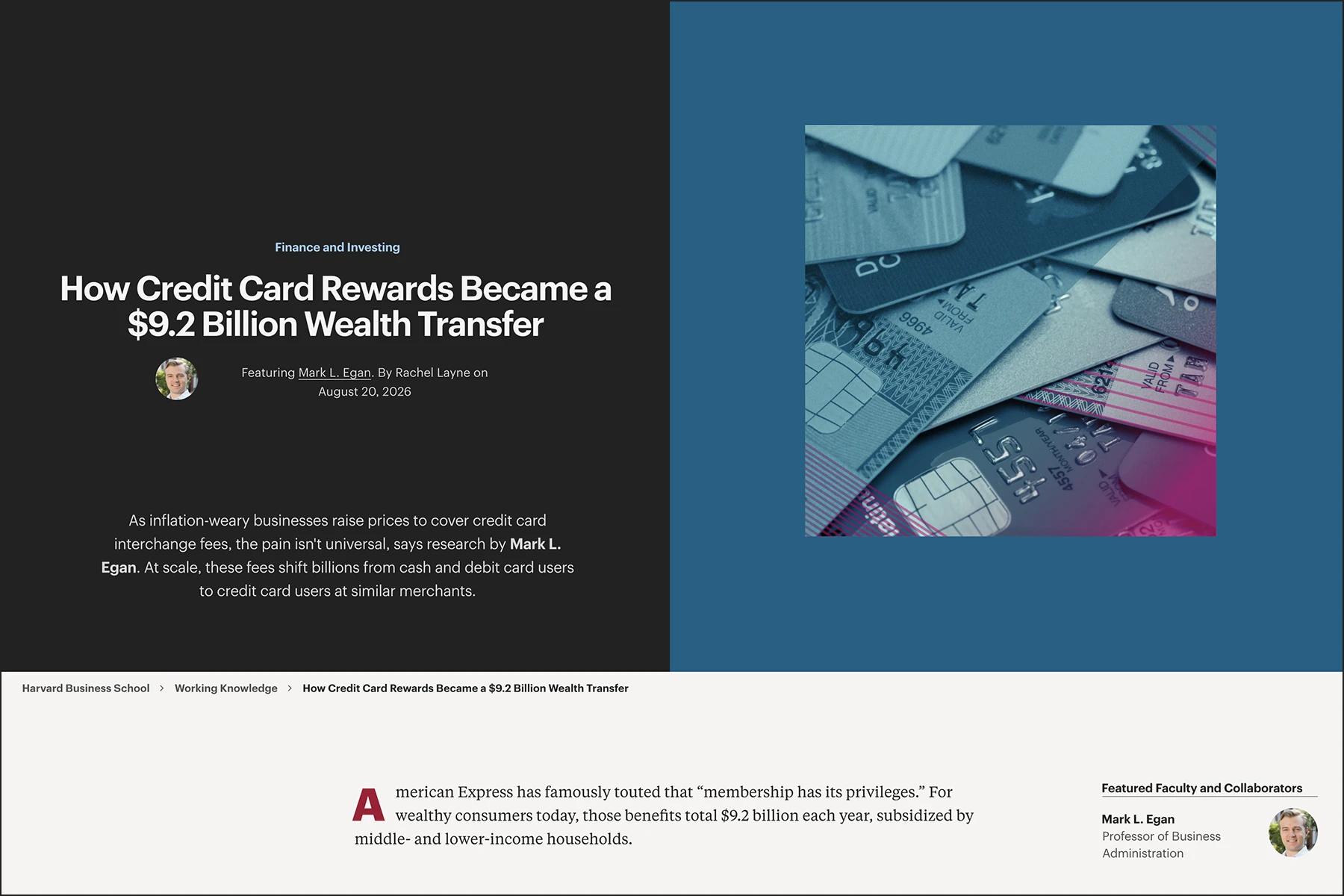
The Split Article Topper starts articles with a title, subtitle, primary color theme, secondary spot theme, prominent image in a visual split, left and right. The left side displays the text. The right side requires a single image.
Primary Color Themes: light, dark, white, crimson, red, black
Secondary Spot Themes: see expanded palette
Visible Content Fields: title, subtitle, overline, byline, image
Instances per Page: one
How it Works
Content creators pick a color theme, spot theme, and author bylines
Title, subtitle, topic overline, and image are pulled in automatically from article content
Images
1:1 or 3:4 ratio
Crops uniformly left and right; height is fixed.
Scaling Behavior: Height is fixed; width will crop (uniformly left and right) on mobile. Will appear horizontal on desktop, vertical on tablet, and square-ish to slightly vertical on phone.